


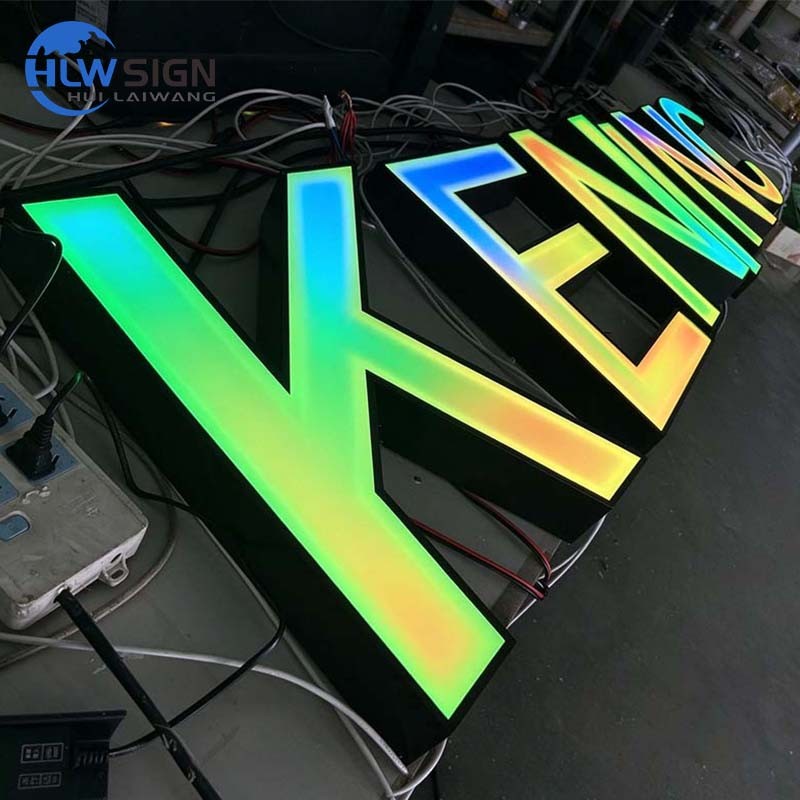
Quick answer: Flickering LED letters usually come from an overloaded driver, a loose connector, excessive voltage drop on long runs, an incompatible dimmer, or moisture in the letter. Check the driver load first, then the connectors, then the voltage at the last module.
1. Overloaded or failing driver
A supply running near 100 percent of its rating will flicker when it heats up. Calculate the module load and compare it with the rating; the driver should sit at about 80 percent. The method is in how to calculate transformer wattage. A failing driver usually shows a bulged case or a smell, and flicker worsens as the sign warms up.
2. Loose or corroded connectors
Vibration and thermal cycling loosen push connectors. A single intermittent joint can make one letter strobe while the rest are steady. Re-seat every connector in the affected letter and look for green corrosion at the terminals.
3. Voltage drop on long runs
On 12 V systems a long cable run loses voltage, and the last modules see less than the driver output. The result is dim, flickering letters at the end of the chain. Move to 24 V or increase conductor size; see 12V vs 24V LED modules.
4. Dimmer or controller mismatch
Not every constant-voltage driver dims cleanly with every dimmer. A trailing-edge dimmer paired with a supply that expects 0–10 V control will flicker at low output. Match the dimming protocol before installation rather than adding a dimmer afterwards.
5. Moisture inside the letter
Water reaching a module causes flicker, then failure. Outdoor letters need sealed modules, gasketed entries and a drain at the lowest point; the threshold is explained in IP65 vs IP67 for outdoor signs. If the letter has standing water, dry it and reseal before replacing modules.
How to isolate the fault
- Disconnect letters one at a time and see whether the flicker follows a single letter.
- Measure voltage at the driver and at the last module; a large gap points to cable loss.
- Swap the suspect driver with a known-good unit of the same rating.
- Inspect connectors and module potting for water or corrosion.
Prevention
- Size the driver to 80 percent of its rating, not 100 percent.
- Use service loops so a letter can be opened without cutting wires.
- Keep line-voltage and low-voltage conductors separated.
- Specify the dimming protocol with the power supply, not after delivery.
If the sign is still under warranty, photograph the flicker on video and note which letters are affected. That shortens diagnosis and avoids replacing the wrong part. For the supply selection method, read the channel letter power supply guide.
Reference: US Department of Energy on LED lighting, voltage drop.
FAQ
Why does only one letter flicker?
That points to a local fault: a loose connector, moisture in the letter, or one failing module string. Swap its low-voltage feed with a neighbouring letter to isolate the cause.
Can flicker damage the driver?
An intermittent short draws current spikes, which stress the driver and other modules. Fix it early rather than waiting for a full failure.
Key takeaways
- Check driver load before replacing modules
- Re-seat connectors in the affected letter
- Measure voltage at the last module
- Dry and reseal any letter with water inside
Replace the whole module string rather than one module in the middle of a run. Mixed batches and mismatched colour bins create visible patches, and the labour is nearly the same.
Photograph the wiring inside each letter before closing it; the next technician will thank you.
A spare module kept on site turns a service call into a quick swap.